
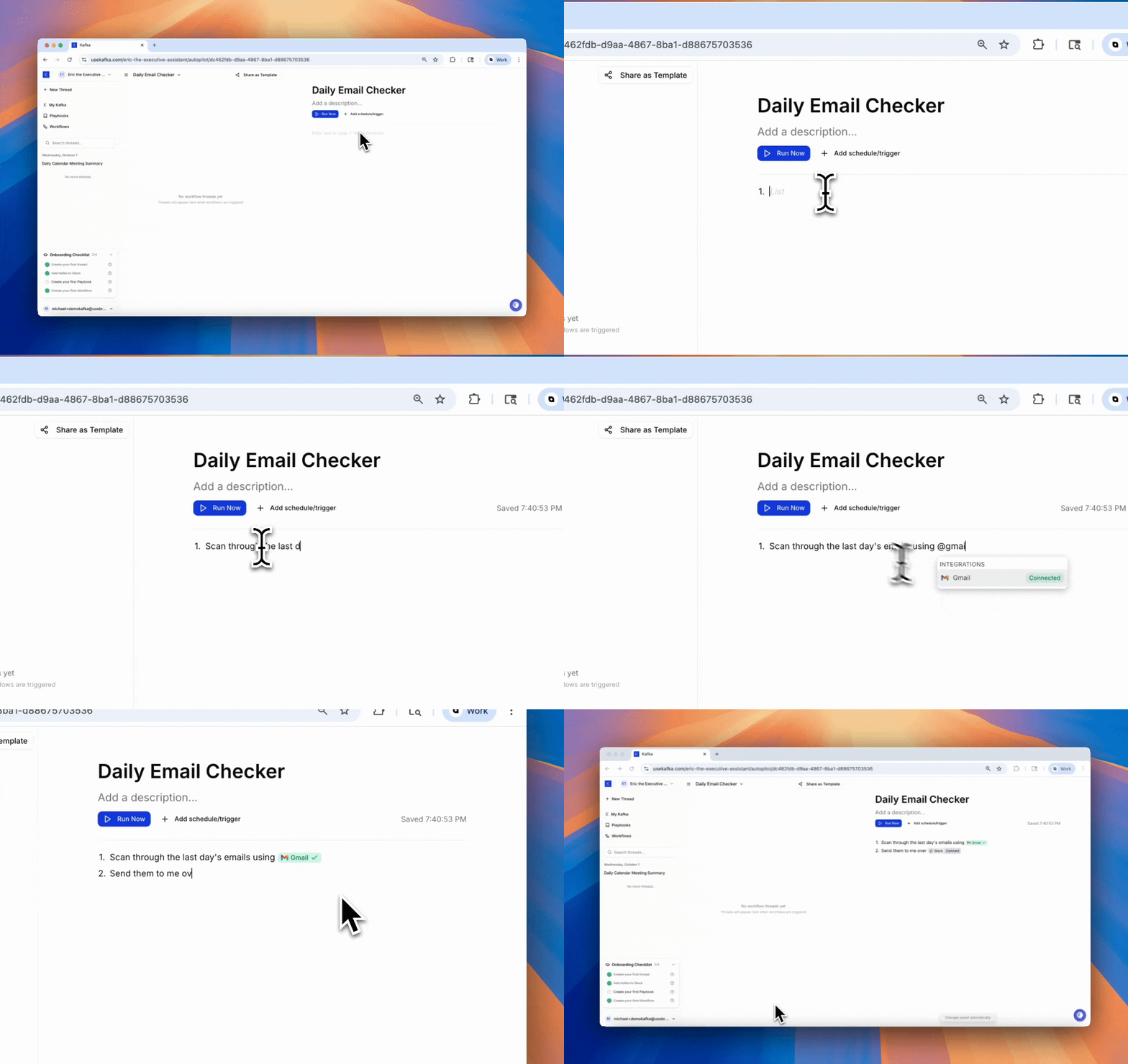
How Workflows Work
Every workflow has two parts:- Trigger — What starts the workflow (time-based, app-based, or webhook-based)
- Instructions — What Kafka does once triggered
Trigger Types
Time-basedExample Workflow
Best Practices
Start simple Begin with single-action workflows before building complex multi-step processes. Be specific with triggers “When email from client@company.com arrives” is better than “When email arrives.” Test before deploying Run workflows manually first to verify they work as expected. Monitor and iterate Check workflow execution history and refine based on real performance. Use integrations Reference tools with@gmail, @slack, @clickup to connect workflows to your systems.
When to Use Workflows
Use workflows for:- Recurring tasks — Daily summaries, weekly reports, monthly cleanups
- Event responses — Auto-reply to emails, notify on form submissions
- Data syncing — Keep systems in sync automatically
- Scheduled actions — Send reminders, generate reports, run backups
- One-off tasks (just ask Kafka directly)
- Complex decision-making requiring human judgment
- Tasks that need real-time human collaboration (use Playbooks instead)