
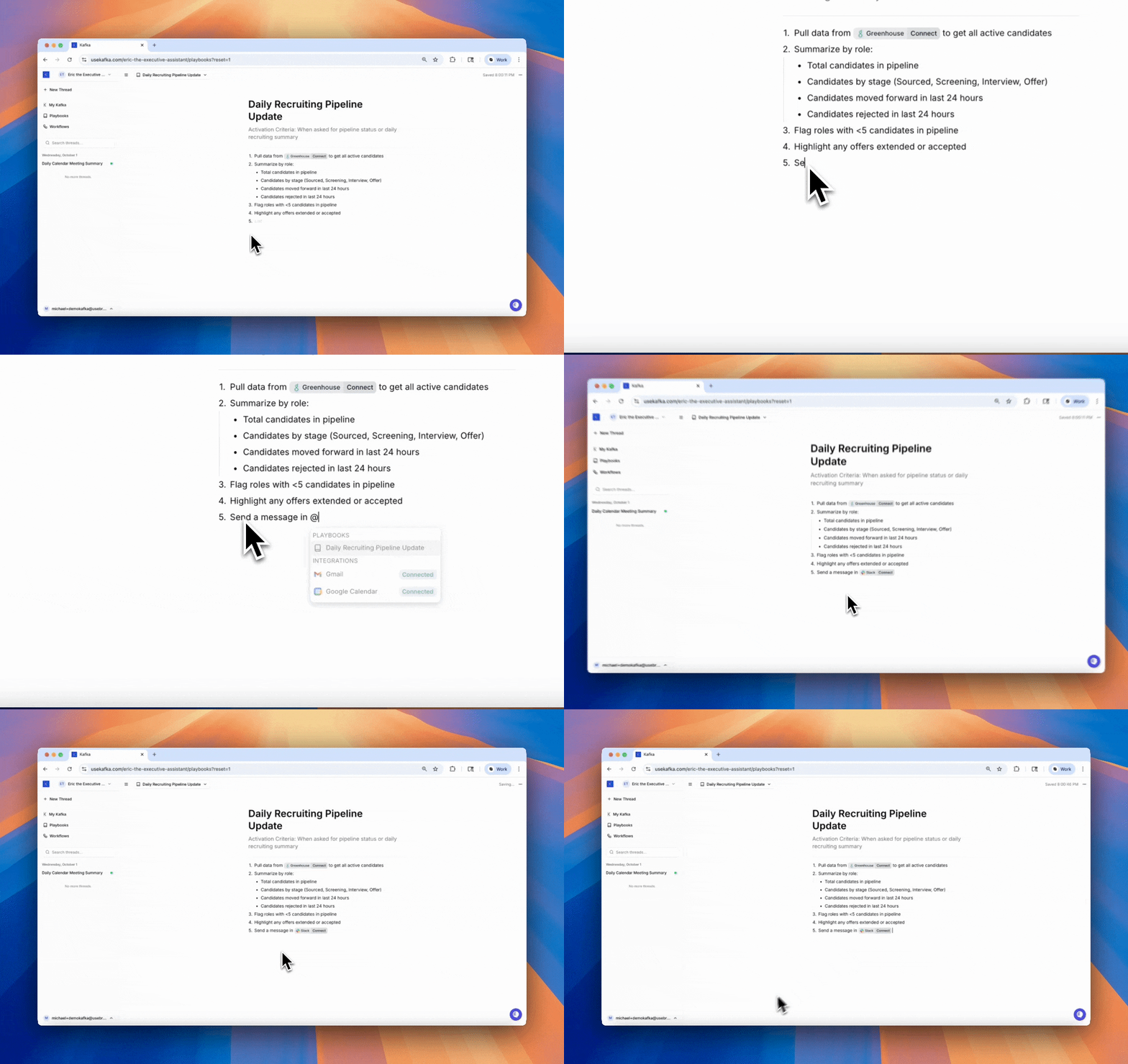
How Playbooks Work
Every playbook has an Activation Criteria — a situation that triggers Kafka to use the playbook automatically. Playbooks can also be explicitly requested:- By name: “Use the Daily Pipeline Update playbook”
- With @: Type
@playbook-namein any text editor (threads, workflows, or other playbooks)
Referencing Playbooks
Playbooks can be called from multiple places: In conversations: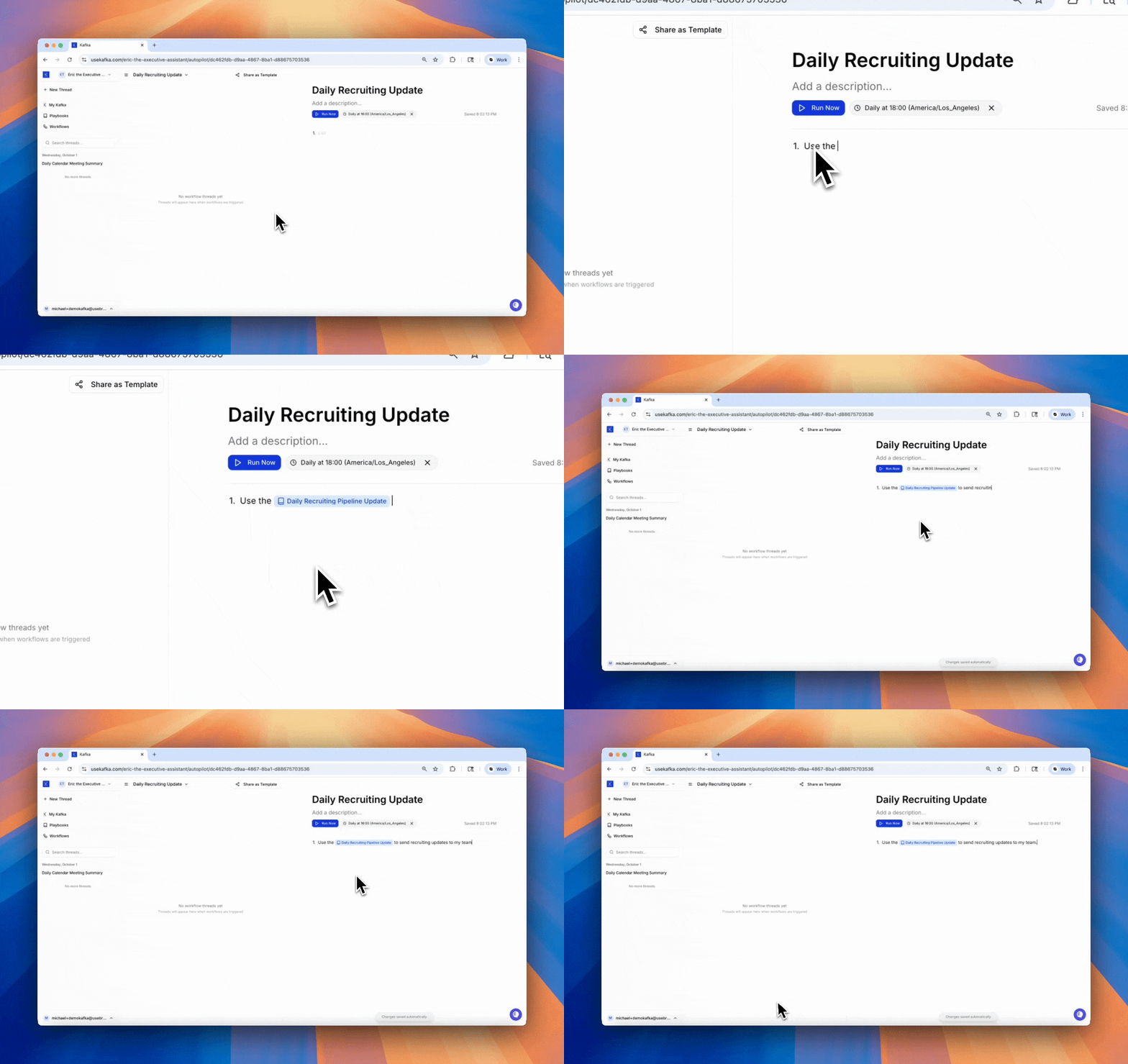
Example Playbook
Best Practices
Define clear activation criteria Be specific about when the playbook should be used. “When candidate passes phone screen” is better than “During recruiting.” Keep instructions actionable Each step should be clear and executable. Avoid vague guidance. Reference integrations Use@integration format to specify which tools Kafka should use.
Make them reusable
Write playbooks for processes you repeat often, not one-off tasks.
Nest playbooks
Reference other playbooks using @playbook-name to build complex processes from simple building blocks.
When to Use Playbooks
Use playbooks for:- Repeated processes — Tasks you do the same way each time
- Step-by-step procedures — Clear sequences that need to be followed in order
- Quality control — Ensuring consistency across similar tasks
- Knowledge transfer — Codifying how things should be done
- Fully autonomous tasks (use Workflows instead)
- One-time tasks (just ask Kafka directly)
- Simple single-step actions (not worth the overhead)