
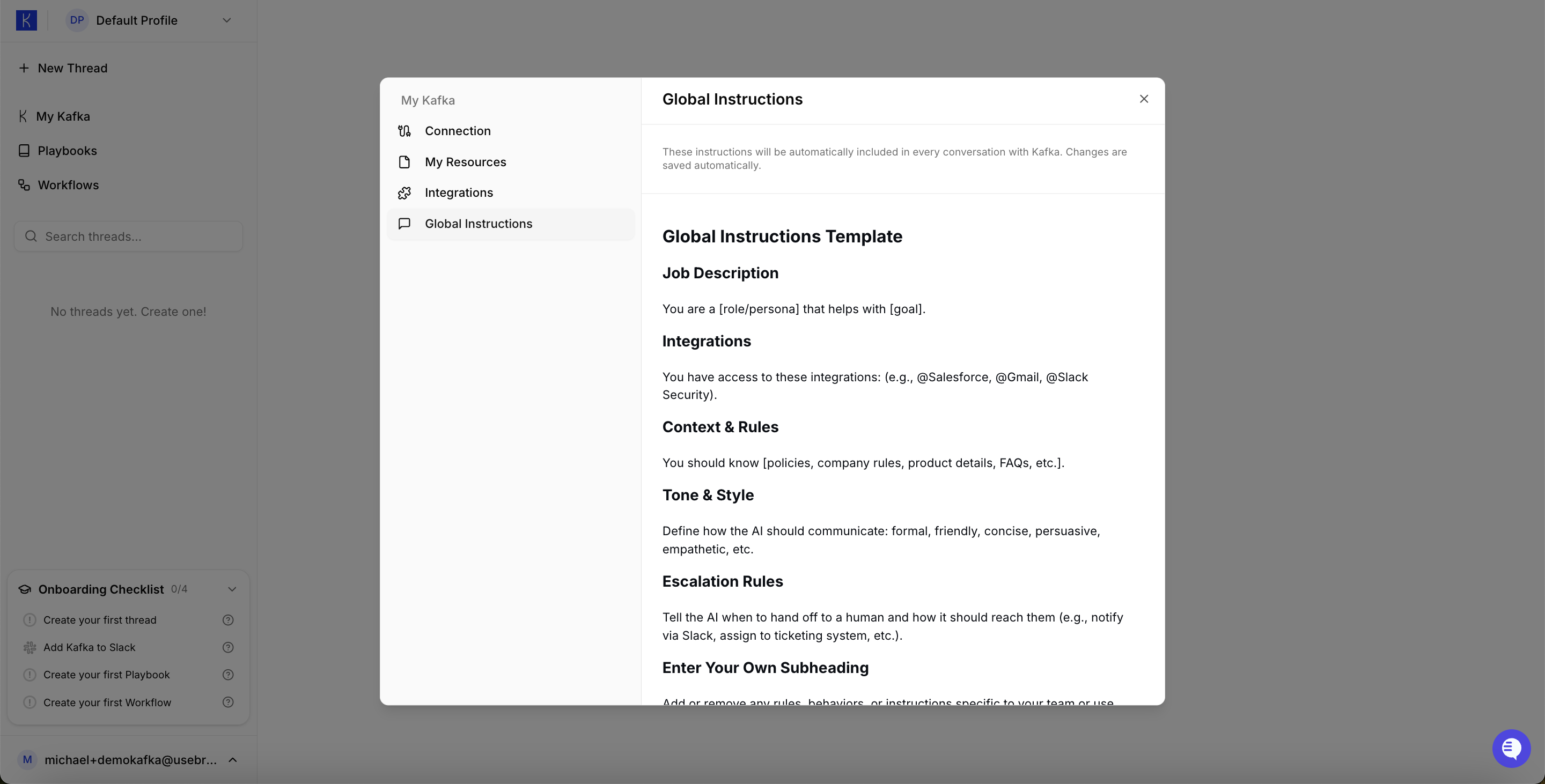
What Global Instructions Include
Job Description Define what your AI Employee does and its primary responsibilities.Example Global Instructions
Best Practices
Be specific about role and boundaries Clearly define what your AI Employee should and shouldn’t do. Include relevant context Add company info, working hours, preferences, and constraints that apply to all tasks. Set clear escalation rules Define when Kafka should ask for human input vs. proceeding autonomously. Keep it concise Global Instructions should fit in 1-2 paragraphs. Use Playbooks for detailed procedures. Update as you learn Refine Global Instructions based on how Kafka performs in real use.Tips
- Test changes incrementally — Update one section at a time and observe the impact
- Use examples — “Respond like: [example]” is clearer than “Be professional”
- Specify tools — List integrations so Kafka knows what’s available
- Set working hours — Prevent off-hours actions if needed