
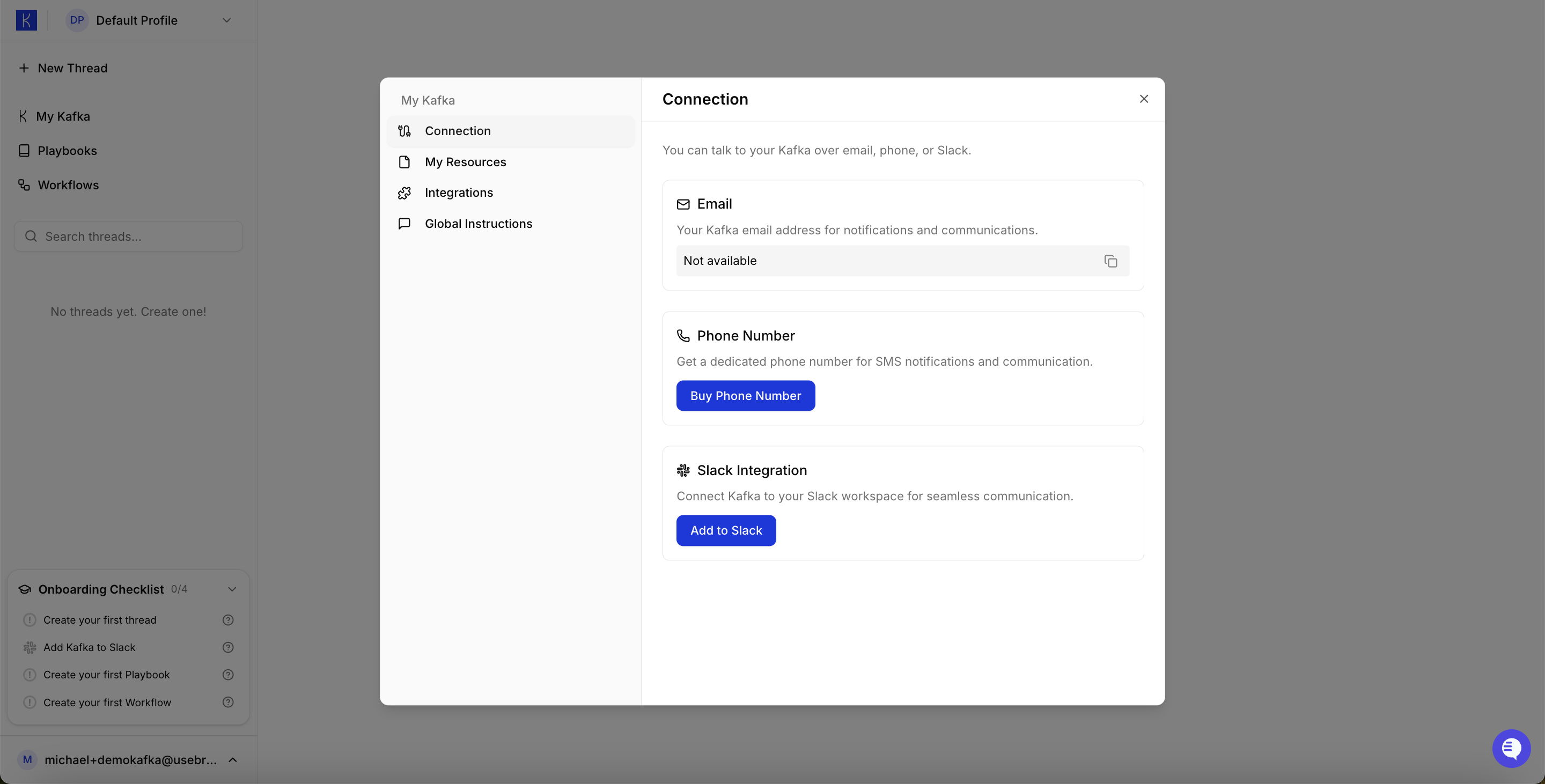
Available Connections
Email Send tasks and requests via email. Kafka responds in threaded conversations. Phone Number Get a dedicated phone number for voice communication with Kafka. Slack (Recommended) Connect Kafka to your Slack workspace for seamless team collaboration.Using Slack
Slack is the most popular way to interact with Kafka. Once connected, anyone in your workspace can message Kafka directly.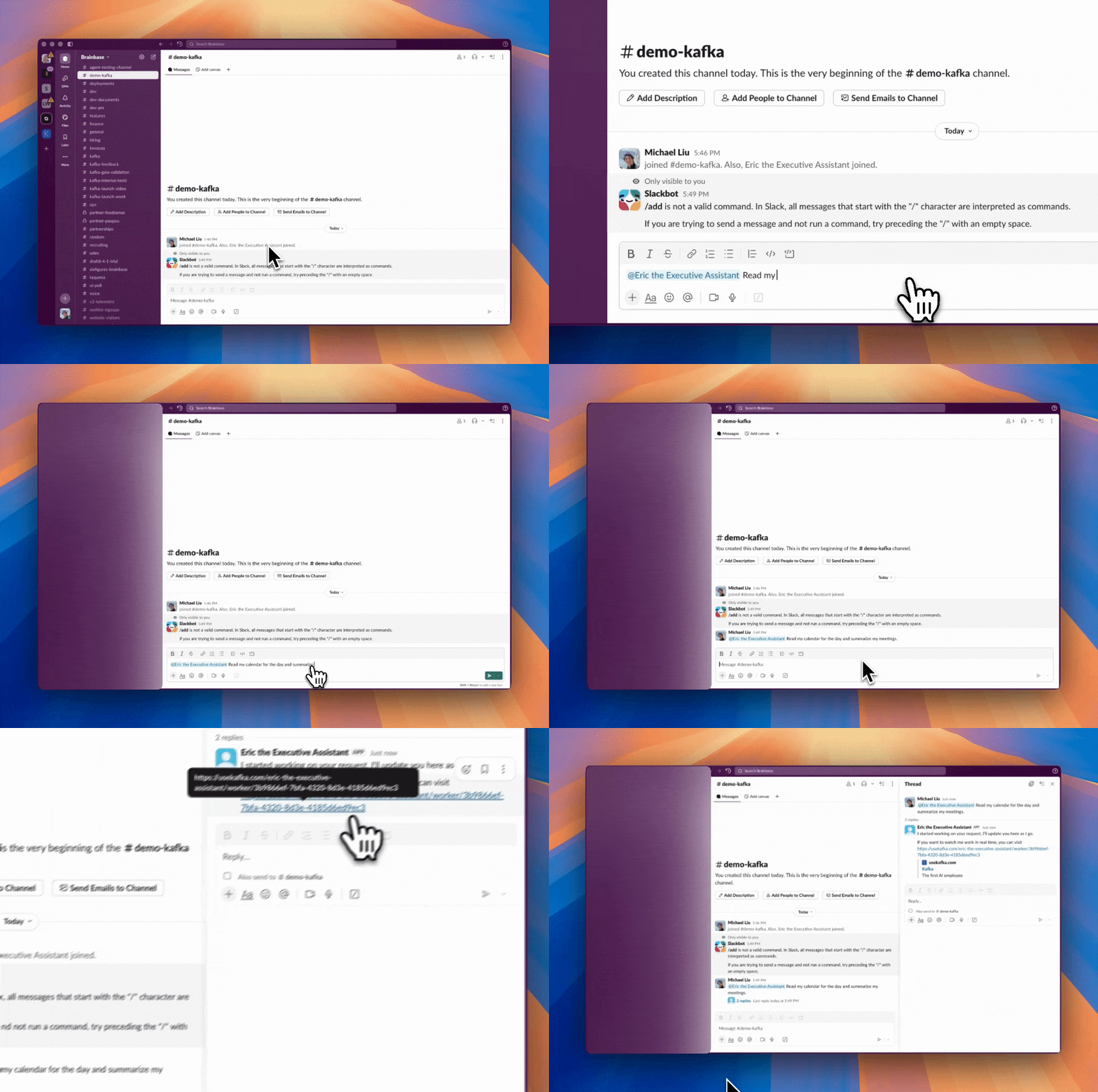
- Add Kafka to a Slack channel (e.g.,
#demo-kafka) - Message Kafka directly:
@demo-kafka summarize my emails - Kafka responds in the thread with results
FAQs
Can anyone message the agent on Slack? Yes, anyone with access to the channel that the agent is in can message the agent. How do I send a message to Kafka via Email? Send an email to your Kafka’s dedicated email address (found in My Kafka → Connection). Kafka will respond via email thread. Can I limit who has access to my Kafka? Yes. For Slack, only users in channels where Kafka is added can interact with it. Use private channels for restricted access. Does Kafka remember previous conversations? Yes. Kafka maintains context within each thread. Start a new thread for unrelated topics. Can I use multiple connection types at once? Yes. You can enable Email, Phone, and Slack simultaneously. Kafka maintains separate conversation threads for each channel. What happens if multiple people message Kafka at the same time? Kafka handles concurrent requests. Each conversation thread operates independently. How do I remove Kafka from a Slack channel? Go to the channel, click the channel name, select “Integrations,” and remove the Kafka app.Setting Up Connections
- Go to My Kafka → Connection
- Choose your connection type (Slack, Email, or Phone)
- Follow the authentication flow
- Test by sending a message to confirm it works
Note: Slack connection requires the $25 Starter plan.