> ## Documentation Index
> Fetch the complete documentation index at: https://docs.usekafka.com/llms.txt
> Use this file to discover all available pages before exploring further.
# Kafka Documentation
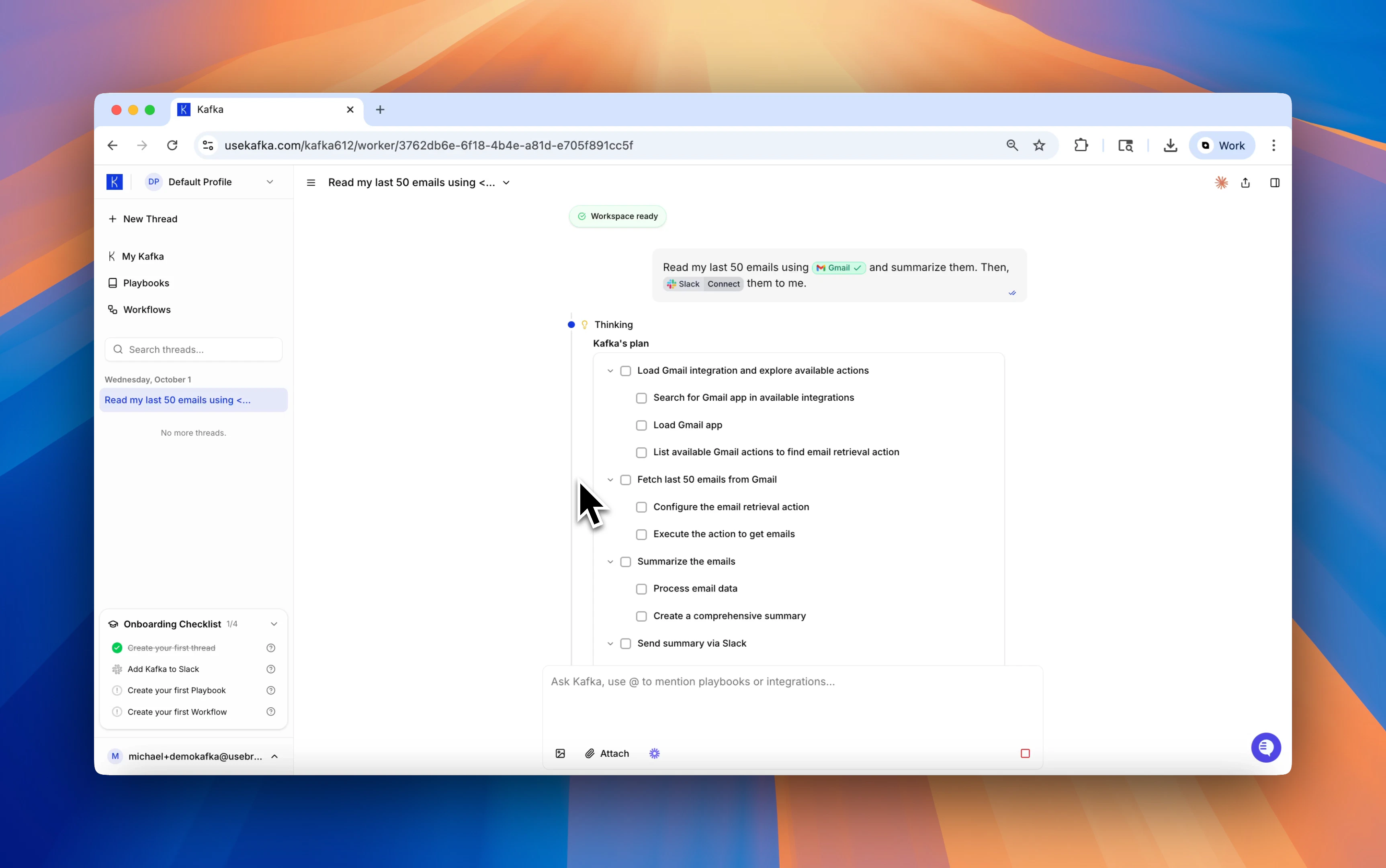
Kafka is an AI Employee that understands your workflows and integrates with your tools. You give it instructions in natural language, and Kafka takes action end-to-end — from reading emails to making calls to running code.
 ***
## Get Started
Set up your first AI Employee in minutes.
Understand the key concepts that power Kafka.
Explore the powerful tools Kafka uses to complete tasks.
Learn proven strategies for working effectively with Kafka.
Connect Kafka to your existing tools and data sources.
Get help and access our support resources.
***
## Get Started
Set up your first AI Employee in minutes.
Understand the key concepts that power Kafka.
Explore the powerful tools Kafka uses to complete tasks.
Learn proven strategies for working effectively with Kafka.
Connect Kafka to your existing tools and data sources.
Get help and access our support resources.